


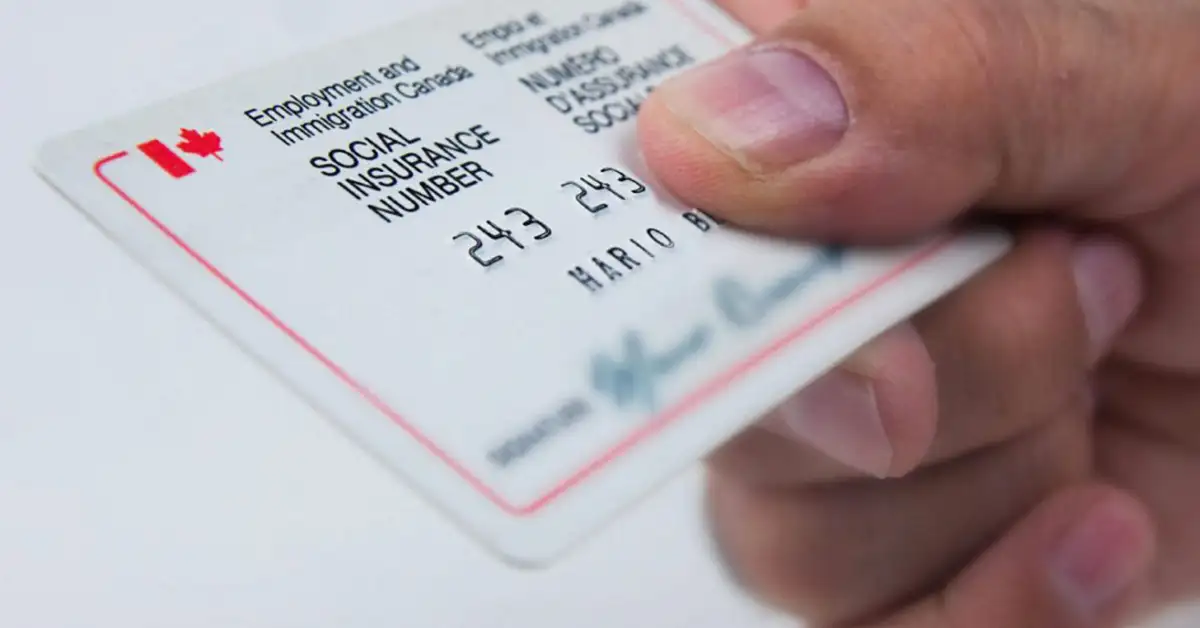
The Social Insurance Number (SIN) is a confidential number issued to workers to help them access Government of Canada programmes and benefits.
Contents
Overview
To work in Canada or access government programmes and benefits, you need a 9-digit number known as a Social Insurance Number (SIN)
Your Social Insurance Number (SIN) is private information, and it is unlawful for anyone else to use it. You are responsible for protecting your own record.
Service Canada is responsible for issuing the SIN, provided either as a paper SIN confirmation letter or in digital form if you are eligible, by signing in to or registering for a My Service Canada Account (MSCA). If you hold an unexpired plastic card, it remains valid, but this format is no longer issued.
Those who need a SIN can apply on the Government of Canada website athere.
Considering a residency programme? The Prosperous Living Investment team assesses your profile free of charge and advises on the pathway that fits your goals.
Who is issued a SIN
If you are a Canadian citizen, permanent resident or temporary resident, you need a SIN to work in Canada or to receive benefits and services from government programmes.
Children aged 12 and over may apply for their own Social Insurance Number. A parent, legal guardian or legal representative may apply for a SIN for children under the age of majority as defined by the province, and for adults in their care.
Temporary residents
If your SIN begins with the number “9”, keep your record up to date. Make sure the SIN expiry date matches the date on the document fromImmigration, Refugees and Citizenship Canada (IRCC)that allows you to work in Canada.
Once your record is updated, you receive a SIN with a new expiry date. Your previous record (whether paper or plastic card) is no longer valid. Destroy it securely.
If your SIN has expired, you may continue working while awaiting new immigration documents provided you maintain your status during processing.
Workers
You will need to give your SIN to your employer, as it is required in order to work in Canada and to access certain government programmes and benefits such as Employment Insurance (EI) and the Canada Pension Plan (CPP).
Submit your application within 3 days of starting work. Once you have applied, you may begin working in insurable employment. Please consult the Employment Insurance Regulations athere.

Applying, updating and obtaining a confirmation letter
You can view your Social Insurance Number in your My Service Canada Account (MSCA) without applying if:
- Your Social Insurance Number has not expired.
- You do not need to update your information.
You can also find your SIN on income tax returns, tax slips, employment records and RRSP contributions.
There is no fee to apply for a Social Insurance Number.
You can apply, update or obtain confirmation online, upload your documents and, if eligible, view your SIN in MSCA once the application has been processed.
You can also apply in person at a Service Canada Centre or by post.
You must apply for a Social Insurance Number (SIN) and provide all the required documents in order to:
- Request one for the first time.
- Obtain confirmation.
- See where you can find your record without applying.
- Correct an error on your record.
- Update a legal name change.
- Update your status.
- Update the expiry date of the immigration document on your record.
To protect your personal information, never leave your computer or device unattended while completing an online application. Always close the browser if you step away from your computer or device.
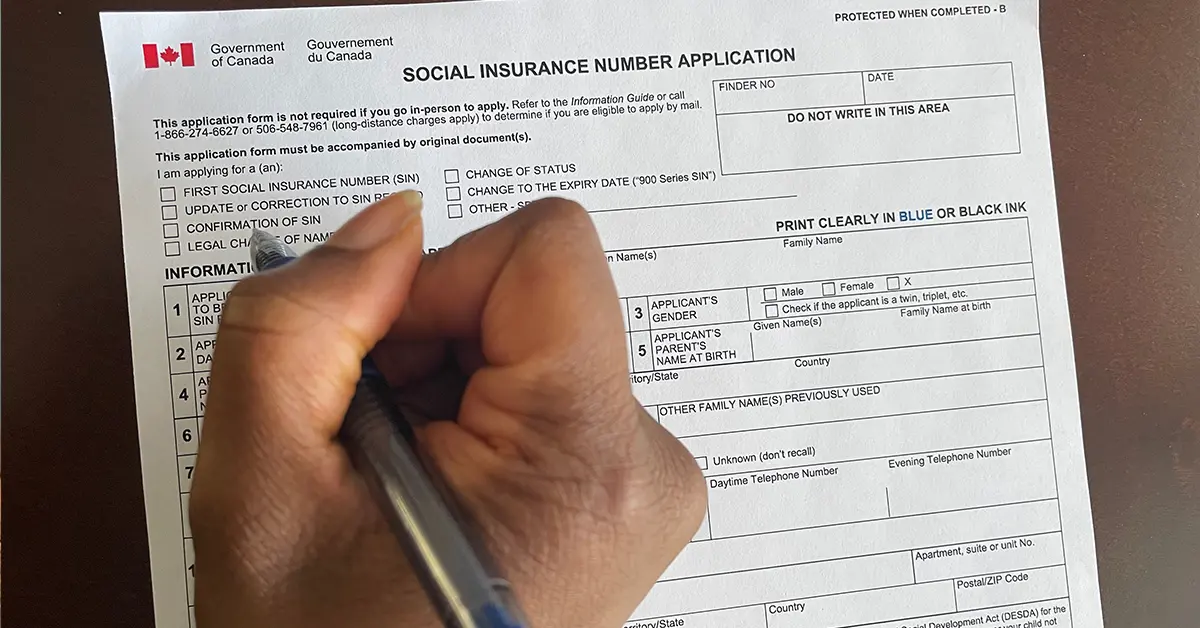
Documents required to apply
Originals
If you apply by post or in person, you may submit original documents only.
If you apply online, you may submit digital copies. These digital copies must be clear, legible and complete, showing the whole document including its borders.
Go to the Apply section to find out which documents you need in order to apply, based on your personal circumstances.
Translation requirements
If you submit documents that are not in English or French, you must also submit:
- A translation of the document into English or French.
- A certification or sworn affidavit written and signed by the translator.
Please note:Translations by family members are not accepted. (A family member is defined as a parent, guardian, sibling, spouse, grandparent, child, aunt, uncle, niece, nephew or first cousin.)
Primary documents
A primary identity document is an official document proving your identity and your status in Canada.
The primary identity document required differs according to your status in Canada.
Please note:Where there is a minor discrepancy between the information you give on the online application and the information as it appears on your primary identity document, the information is entered into the Social Insurance Register as it appears on your primary identity document.
If you apply online and identity information appears on both sides of the document, be sure to provide both sides of the document.
Secondary documents
A secondary document is an official document confirming your identity.
The secondary document must be valid (unless it belongs to a person who has died). It must have been issued by a Canadian government (federal, provincial or territorial), or be a foreign passport.
The following information must appear on the document:
- Legal name (surname and given names)
- Date of birth
Examples of accepted secondary documents:
- A passport (Canadian or foreign)
- A Canadian provincial or territorial identity card or driving licence
- Any other identity document issued by a Canadian government
Supporting documents
A supporting document is a legal document stating the name you currently use.
If the name on any document provided differs from the name on the application, submit a supporting document.

Why you must keep your SIN confidential
Your Social Insurance Number is confidential information. If it falls into the wrong hands, it can lead to a number of serious problems:
- Breach of privacy and identity theft: unauthorised use of your documents may lead to a breach of your privacy. If someone uses your SIN to commit fraud, it can ruin your credit rating.
- Loss of money or credit: unauthorised use may lead to the loss of government benefits, tax refunds or bank credit.
- Problems with unlawful employment: if your SIN is used unlawfully for work, you may have to pay tax to the Canada Revenue Agency on money you did not earn.
Protecting your SIN is important in guarding against fraud and identity theft. It helps you avoid problems and keeps your money and personal information safe.
Forgetting the number
If you cannot remember your SIN, you can:
- Find it on income tax returns, tax slips, employment records or RRSP contributions.
- View it by signing in to or registering for a My Service Canada Account (MSCA).
- Obtain confirmation of your SIN by submitting an application.
Losing the card
Service Canada no longer issues SIN cards. It issues a confirmation letter instead.
- If you remember your Social Insurance Number, there is no need to request a confirmation letter.
- If your card has been stolen, Service Canada can issue a new SIN only where there is evidence that the old one has been used fraudulently.
Find out more about the Social Insurance Number (SIN) on the Government of Canada website athere.
Accompanying you on your journey in residency investment
The Prosperous Living Investment team advises on pathways, assesses profiles and manages investments transparently for every residency, citizenship and international property objective.
Free profile assessmentWhere life gets prosperous